AI use cases: what AI takes over in your company
- What an AI use case is
An AI use case is a concrete task in a company that AI takes over in whole or in part: answering an enquiry, evaluating a document, producing a report, predicting a failure. That makes it smaller than a project and larger than a feature.
The cases below are in use at customers, each with its challenge, solution, prerequisites and timeline. Which of them pay off for you is a question of AI strategy; how they get built is covered under AI solutions.
Definition

Internal GPT Assistant
Employees spend significant time searching for internal information, drafting texts, and answering repetitive questions.
Boost productivity with a GPT assistant that leverages your internal knowledge

AI-Powered Customer Service
Customer service teams are overwhelmed with repetitive inquiries, leading to long wait times and frustrated customers.
Transform your customer service with AI agents that provide instant, accurate responses 24/7

Predictive Maintenance AI
Manufacturing equipment failures cause unexpected downtime, costing millions in lost productivity and emergency repairs.
Prevent equipment failures with AI that predicts maintenance needs weeks in advance

Intelligent Document Processing
Manual document processing is slow, error-prone, and expensive, creating bottlenecks in business operations.
Automate document processing with AI that reads, understands, and acts on any document

Intelligent Knowledge Management
Critical company knowledge is scattered across different systems, hard to find, and lost when employees leave.
Centralize and leverage your company knowledge with AI that intelligently connects information
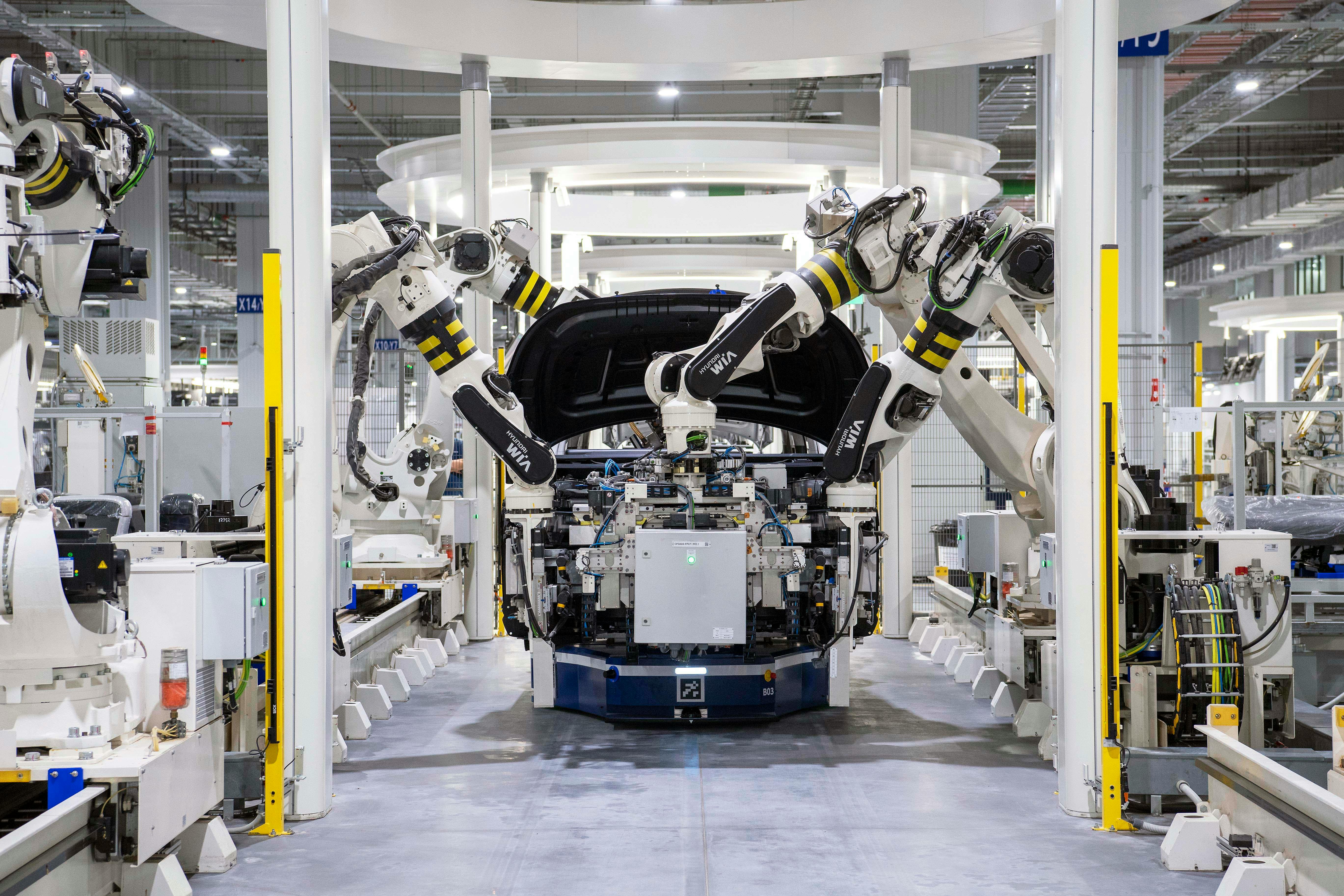
Intelligent Process Automation
Repetitive manual processes tie up valuable employee time and are prone to errors.
Automate complex business processes with AI that thinks and optimizes
Automated Document Processing
Companies spend hours daily manually processing documents like invoices, contracts, and forms, leading to delays and errors.
Complete automation of document processing: from input to final handling
Common questions about AI use cases
Which AI use cases are worth it for mid-sized companies?
How do I find AI use cases in my own company?
What does implementing an AI use case cost?
How long until an AI use case is in production?
What is the difference between an AI use case and an AI solution?
Do we need our own data for an AI use case?

Your contact
Ilirjan Bytyqi, M.Sc.Operations Manager at Ziya GmbH
Book your free initial consultationwith AI experts now
- Email Ziya
- info@ziya.de
- Call Ziya
- +49 157 36802836